How to Run AI Agents Securely in Enterprise Environments (Without Inbound Tunnels)
Forge Team · March 2026 · 12 min read
OpenClaw showed the world that AI agents work. With over 160,000 GitHub stars, it proved agents can navigate environments, execute multi-step workflows, automate real tasks across messaging platforms, and act autonomously on behalf of users. That’s a genuine milestone — and a paradigm shift for how we think about software.
But when enterprise security teams looked under the hood, they found an architecture that doesn’t translate to production environments.
OpenClaw’s Gateway process binds to ws://127.0.0.1:18789 and requires remote connectivity through Tailscale Funnel, SSH tunnels, or direct port exposure. Its own documentation describes multiple patterns for achieving this — each one creating an inbound pathway into your infrastructure. Community hardening guides layer Squid proxies, Docker network isolation, and Tailscale VPN configurations to compensate for a fundamental architectural assumption: the agent needs to be reachable from the outside.
For personal use, that’s a reasonable tradeoff. For the enterprise, it’s a non-starter.
Palo Alto Networks assessed OpenClaw as “not designed for enterprise use” with an attack surface they called “unmanageable and unpredictable.” Cisco Talos found that 26% of over 31,000 agent skills contained vulnerabilities. One of OpenClaw’s own maintainers warned that “if you can’t understand how to run a command line, this is far too dangerous of a project for you to use safely.”
This post explains why inbound tunnel architectures fail in the enterprise, and how Forge solves the problem with an outbound-only security model built from the ground up.
Why Inbound Tunnels Don’t Work for Enterprises
Enterprise networks exist to prevent inbound access. Firewalls, network segmentation, zero-trust architectures — years of security investment focused on one principle: nothing from the outside gets in unless explicitly allowed.
Agent frameworks that require inbound connectivity violate that principle at the infrastructure level. Here’s what happens when you try to deploy them:
Every tunnel is an attack surface. Whether it’s ngrok, Tailscale Funnel, Cloudflare Tunnel, or a reverse SSH proxy — each one creates a pathway from a broader network into internal infrastructure. Enterprise security teams spend their careers closing these pathways. An agent that requires one is asking you to undo years of security posture.
Tunnels bypass network security controls. Intrusion detection systems, web application firewalls, and DLP solutions can’t inspect traffic inside an encrypted tunnel that terminates on an internal host. The tunnel becomes an opaque pipe that security teams can’t monitor, can’t audit, and can’t shut down without killing the agent.
Callback architectures create persistent listeners. When Slack or Telegram sends a webhook to your agent, the agent must be reachable on a public endpoint. That means TLS termination, rate limiting, authentication, and monitoring — all the operational overhead of running a public-facing service — for every agent instance.
The blast radius is uncontained. A compromised tunnel endpoint gives an attacker a foothold inside your network. And because agent frameworks typically execute shell commands, access filesystems, call APIs, and manage secrets — that foothold is already privileged.
This is not a prompt engineering problem. It’s a runtime architecture problem.
The Outbound-Only Model
Forge takes a fundamentally different approach. Instead of requiring the outside world to reach the agent, the agent only reaches out.
No exposed ports. No developer machine callbacks. No inbound tunnels. The agent initiates all connections — outbound HTTP to LLM providers, outbound to messaging platforms, outbound to the APIs its skills require. Nothing comes in.
This isn’t a bolt-on feature. It’s the foundational design principle. Forge’s core architecture states it explicitly: “Outbound-only connections. Domain allowlists. Encrypted secrets at rest. Signed build artifacts. No tunnels. No webhooks required.”
Here’s what that looks like in practice.
How Forge Enforces Outbound-Only Security
Forge implements egress control at three layers: build-time resolution, runtime enforcement, and structured audit logging. Each layer works independently and reinforces the others.
Layer 1: Build-Time Egress Resolution
When you run forge build, the security resolver constructs a complete domain allowlist by merging three sources:
- Explicit domains from your
forge.yamlconfiguration (e.g.,custom-api.example.com) - Tool-inferred domains derived automatically from your configured tools (e.g., enabling
web_searchwith Tavily addsapi.tavily.com) - Capability bundles derived from channel connectors (e.g., enabling Slack adds
slack.com,hooks.slack.com, andapi.slack.com)
All domains are deduplicated, sorted, and written to .forge-output/egress_allowlist.json with source annotations — so you can see exactly which skill, tool, or provider caused each domain to be allowed.
For Kubernetes deployments, Forge automatically generates a NetworkPolicy manifest that restricts pod egress to the allowed domains on ports 80 and 443. The network policy enforces the same allowlist at the infrastructure level.
# forge.yaml — egress configuration
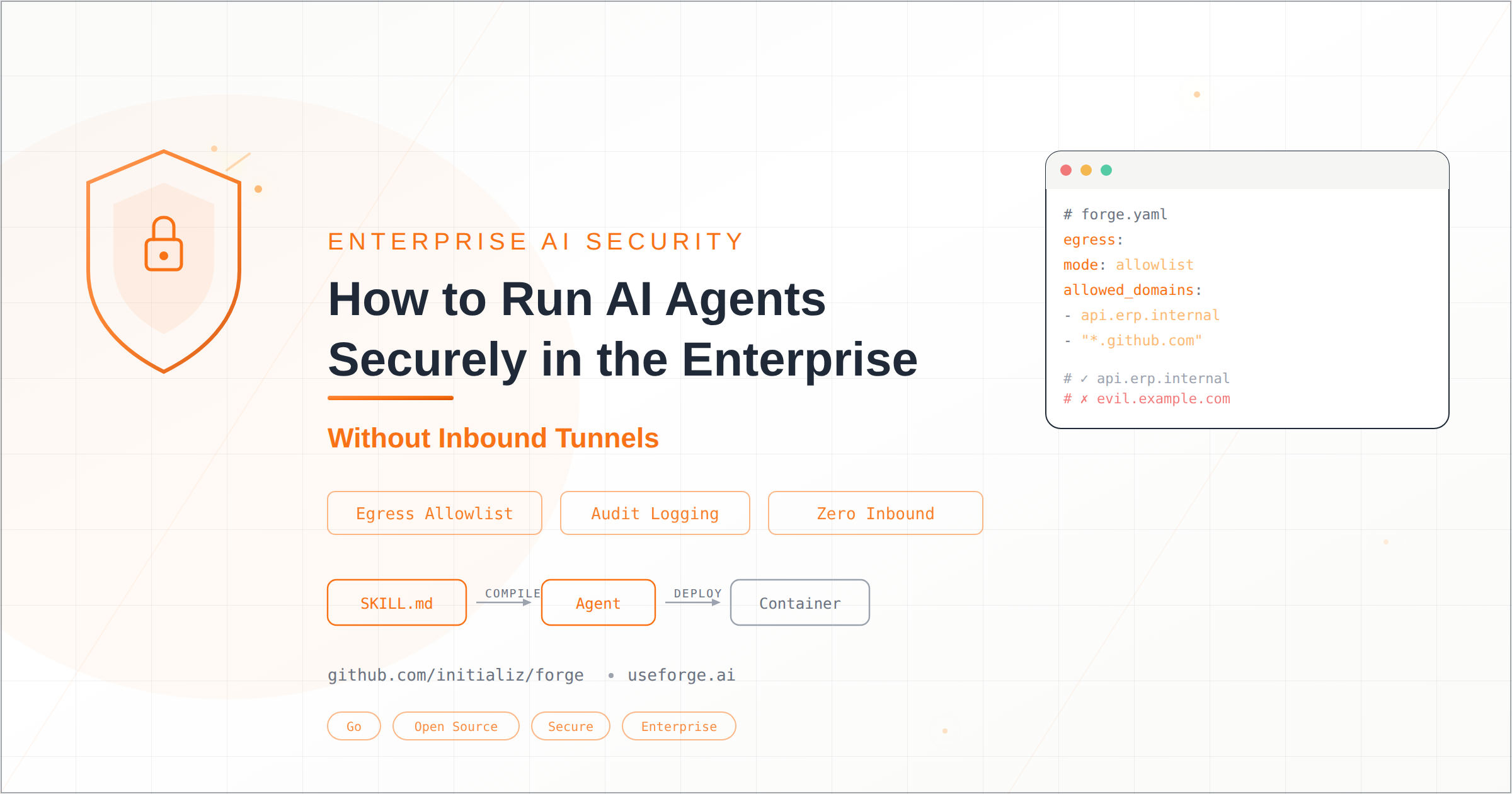
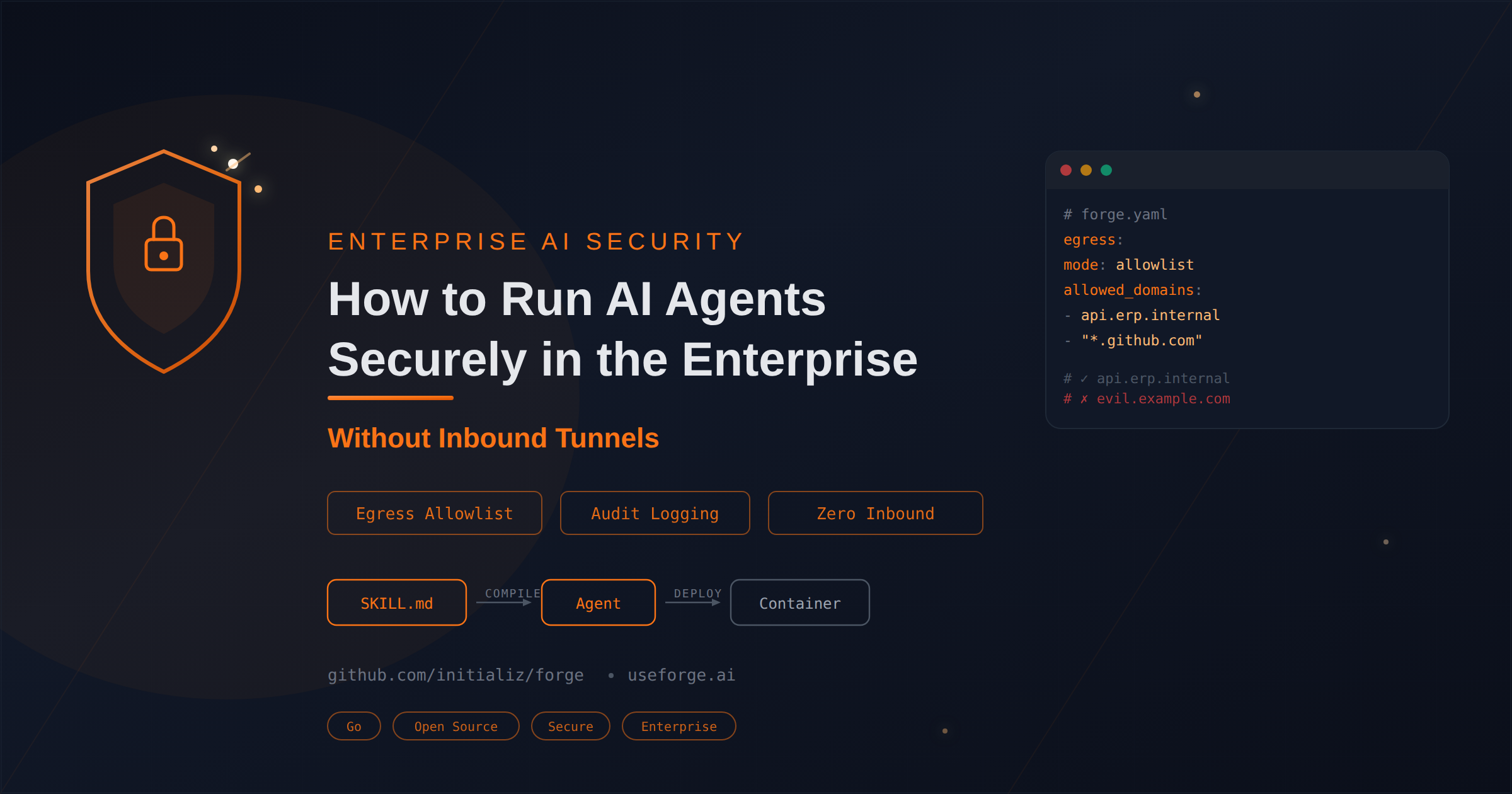
egress:
  profile: standard          # strict | standard | permissive
  mode: allowlist            # deny-all | allowlist | dev-open
  capabilities:
    - slack
    - telegram
  allowed_domains:
    - custom-api.example.com
    - "*.github.com"         # wildcard support
Layer 2: Runtime Egress Enforcement
The EgressEnforcer wraps Go’s default HTTP transport at the RoundTripper level. Every outbound HTTP request made by every tool passes through it. There is no way to bypass it — the enforcer is injected into the request context, and all five HTTP-making tools extract the enforced transport from that context.
The enforcer validates every request against the allowlist:
- Exact domain matching with case-insensitive comparison
- Wildcard support —
*.github.commatchesapi.github.combut notnotgithub.com - Port stripping —
api.openai.com:443matches allowlistedapi.openai.com - Localhost always allowed —
127.0.0.1,::1,localhostbypass all restrictions - Blocked requests return a clear error:
egress blocked: domain "X" not in allowlist (mode=allowlist)
The enforcement has three modes:
| Mode | Behavior | Use Case |
|---|---|---|
deny-all | All non-localhost outbound traffic blocked | Maximum lockdown |
allowlist | Only explicitly allowed domains permitted | Production default |
dev-open | All traffic allowed (rejected by --prod flag) | Local development only |
Production builds (forge package --prod) reject dev-open mode entirely — you can’t accidentally ship a container that allows unrestricted egress.
Layer 3: Structured Audit Logging
Every egress attempt — allowed or blocked — emits a structured NDJSON audit event with a correlation ID that threads through the entire request lifecycle:
{"ts":"2026-03-01T09:00:01Z","event":"egress_allowed","correlation_id":"a1b2c3d4","fields":{"domain":"api.openai.com","mode":"allowlist"}}
{"ts":"2026-03-01T09:00:02Z","event":"egress_blocked","correlation_id":"a1b2c3d4","fields":{"domain":"evil.example.com","mode":"allowlist"}}
This is not optional logging. The OnAttempt callback fires on every request in every egress mode, including dev-open. Every session start, tool execution, LLM call, and egress decision is recorded with the same correlation ID, giving security teams a complete, machine-parseable trail of what the agent did, what it tried to reach, and whether it was allowed.
Beyond Egress: The Full Security Stack
Outbound-only egress is the foundation, but enterprise security requires defense in depth. Here’s what Forge provides across the full stack.
Encrypted Secrets at Rest
Forge encrypts all secrets using AES-256-GCM with Argon2id key derivation. Secrets are stored per-agent in .forge/secrets.enc with 0600 file permissions. Atomic writes (temp file → fsync → rename) prevent corruption. The passphrase is never stored — it’s provided via callback at runtime, keeping terminal I/O out of the core package.
A chain provider resolves secrets in priority order: agent-local encrypted → global encrypted → environment variables. Production builds validate that container deployments include the env provider since encrypted files can’t be decrypted without a TTY for the passphrase prompt.
Build Artifact Signing
Every forge build produces SHA-256 checksums of all generated files. Optionally, these are signed with Ed25519 keys stored in ~/.forge/. Runtime verification uses a trusted keyring to validate that deployed artifacts haven’t been tampered with.
Skill Trust Evaluation
Forge computes trust — skills don’t self-declare it. The autowire pipeline runs security analysis, capability verification, and script scanning on every skill. Skills are evaluated to one of three trust levels: Trusted (passed all checks), Under Review (needs manual promotion), or Failed (blocked with clear explanation).
Cisco’s finding that 26% of OpenClaw skills contained vulnerabilities is exactly the problem this solves. In Forge, untrusted skills can’t reach production without explicit operator approval.
Guardrails
The guardrail engine checks both inbound (user messages) and outbound (agent responses) for content policy violations, PII patterns (email, phone, SSN), and common jailbreak phrases. Guardrails run in enforce mode (blocking) or warn mode (logging only), configurable per deployment.
No Shell Execution
Forge never runs sh -c. The cli_execute tool uses Go’s exec.Command with a binary allowlist — only explicitly permitted binaries can run, with isolated environment variables, no shell interpretation, and configurable timeouts. This eliminates an entire class of injection attacks.
Portable Deployment Without Re-Architecture
The same Forge agent runs identically across environments:
On your laptop: forge init → forge run in 60 seconds. Local development with dev-open egress for rapid iteration.
In a corporate VPC: forge package --prod generates a container image with the allowlist-mode enforcer baked in. The generated Kubernetes NetworkPolicy restricts pod egress at the infrastructure level.
In air-gapped clusters: Forge is a single static binary (CGO_ENABLED=0) with all skills embedded via go:embed. No runtime downloads, no package managers, no external dependencies. Point it at an internal Ollama instance and it runs completely offline.
Across cloud providers: The same forge.yaml and SKILL.md files define the agent. No cloud-specific configuration. No vendor lock-in.
The security posture tightens automatically: dev-open for local development, allowlist for staging and production, deny-all for maximum lockdown. The --prod flag enforces this — you can’t build a production container with dev-open egress.
A Practical Example: Financial Agent
Consider an agent that reconciles accounts by pulling data from an internal ERP system:
# forge.yaml
name: finance-reconciler
model:
  provider: openai
  name: gpt-4o
  organization_id: "org-xxxxxxxxxxxxx"
egress:
  profile: strict
  mode: allowlist
  allowed_domains:
    - api.erp.internal
This agent can reach exactly two things: the OpenAI API (inferred from the provider) and api.erp.internal (explicitly declared). Nothing else. If a prompt injection tricks the agent into calling evil.example.com, the egress enforcer blocks it and logs the attempt.
The organization_id routes all OpenAI API traffic through the enterprise org, and the audit log captures every LLM call with token counts and org ID — ready for cost allocation and compliance review.
Deploy it with forge package --prod and the resulting container includes a Kubernetes NetworkPolicy that enforces the same two-domain allowlist at the pod level. Defense in depth, from application layer to infrastructure.
The Architectural Divide
The difference between personal agent frameworks and enterprise agent runtimes isn’t a feature gap. It’s an architectural divide.
| Personal (e.g., OpenClaw) | Enterprise (Forge) | |
|---|---|---|
| Network model | Inbound tunnels + exposed ports | Outbound-only, no listeners |
| Egress control | Community-maintained proxy configs | Built-in domain allowlist with three enforcement modes |
| Audit trail | Optional logging | Structured NDJSON with correlation-threaded events |
| Secret management | Plain text or manual encryption | AES-256-GCM with Argon2id, per-agent isolation |
| Skill trust | Community marketplace (unvetted) | Autowire trust pipeline with security analysis |
| Deployment | VPS + Docker + Tailscale hardening | Single binary → same container → any environment |
| Shell execution | Direct shell access | Binary allowlist, no sh -c, isolated env |
| Build verification | None | Ed25519 signing + SHA-256 checksums |
Both approaches serve valid use cases. OpenClaw is an excellent personal AI assistant. But enterprise agents need enterprise infrastructure.
Getting Started
Forge is open source, written in Go, and ships as a single static binary.
# Install
brew install initializ/tap/forge

# Create an agent
forge init

# Run locally
forge run

# Build for production
forge package --prod
The same agent definition runs on your laptop, in a corporate VPC, in a private cloud, or in an air-gapped cluster. No inbound tunnels. No environment drift. No architectural compromises.
GitHub: github.com/initializ/forge Website: useforge.ai
The agent revolution will not be limited by intelligence. It will be limited by infrastructure. Forge is where that infrastructure lives.